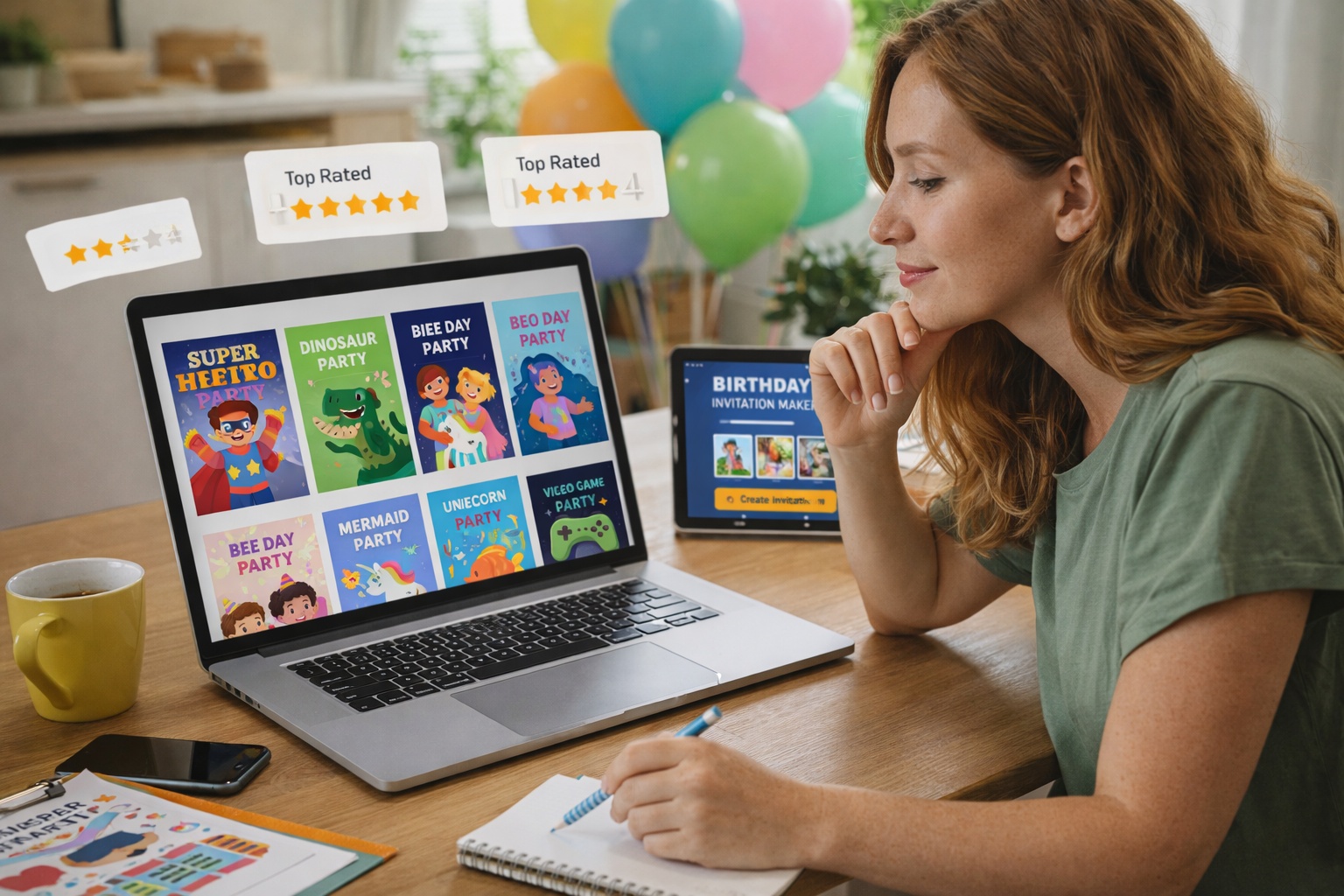
Planning a kids’ party often starts with one decision that sets the tone for everything else: the invitation. A good birthday invitation maker helps you create memorable invites fast, with themes, colors, and details that feel made for your child. Today’s tools go beyond basic designs, letting families add animation, photos, and even a video invitation that builds excitement before the big day. If you want to take that storytelling one step further, you can also create a Personalized birthday movie to surprise your child and make the celebration feel truly special.
Invitations have also become more digital, and that’s a good thing for busy parents. Instead of printing and hand-delivering, you can design, download, and send invites in minutes. To explore more ideas and formats, browse the kids birthday invitations category and find options that match your party style.
Before you pick a tool, take five minutes to decide what kind of invitation experience you want guests to have.
Why choosing the right birthday invitation maker matters
A birthday invitation sets expectations. Printed invitations can be charming, but digital invites are easier to personalize, share, and update if plans change. With the right birthday invitation maker, you can match your invitation to your theme, add child-friendly design touches, and send it instantly to family and friends.
Digital tools also reduce stress. No last-minute print runs, no missing envelopes, and no worrying about handwriting. Most importantly, the best tools help you create invitations that feel fun and intentional rather than rushed.
Browse a few invitation styles first, then choose a maker that supports the exact look you want.

Key features to look for in a birthday invitation maker
Not every tool is built for kids’ celebrations. Some platforms are designed for business flyers or generic birthday invitations, while others include kid-focused templates and playful features. When you’re comparing tools, look for speed, flexibility, and how easy it is to customize details.
Templates, themes, and design flexibility
A strong template library makes everything easier. Look for themes kids instantly recognize, such as superheroes, animals, princesses, dinosaurs, and bright cartoon-inspired layouts. The best invitation maker lets you change fonts, colors, and design elements without breaking the layout.
If you want invitations that feel truly personalized, choose a tool that supports photo uploads, sticker overlays, and themed icons. Template diversity matters because it gives you more ways to match your child’s personality.
Support for animated invites and digital sharing
If your child loves movement and characters, prioritize tools that support animated invites. These formats often export as GIFs, short videos, or animated slides that feel more exciting than a static image.
Also confirm the sharing options. Your tool should export formats that work smoothly on WhatsApp, email, and social media, since that’s how most parents send invites today.
Types of birthday invitation makers parents can use
A birthday invitation maker can be a mobile app, a browser editor, or a desktop platform. Each option has pros depending on your time, comfort level, and how customized you want your design to be.
Animated invitation makers
Animated tools are ideal when you want invites that feel like a mini preview of the party. They can include moving backgrounds, confetti effects, character motion, or playful transitions. Animated invites work especially well for themed parties, because they help guests “feel” the theme before they arrive.
If you’re considering a video invitation, animated invitation makers are usually the easiest route. They typically include pre-built scenes where you add text, details, and a photo to personalize the final invite.
Printable and digital hybrid tools
Some parents want the best of both worlds: a printable invite for family members who prefer paper, and a digital version for fast sharing. Hybrid tools let you export high-quality PDFs for printing plus JPG/PNG versions for texting.
This is helpful if you’re hosting at a school, daycare, or venue where printed invites still matter. It’s also useful if you want matching signage, thank-you cards, or party labels.
Photo-based invitation creators
If you want your child to be the star of the invite, choose a tool designed around photos. These platforms often include frames, playful typography, and layouts that highlight a single image or a collage. Photo-based invites feel warm and personal, and they’re easy for guests to recognize in a message thread.
How to choose the best invitation style for your child’s party
Start with your child’s age and interests. Toddlers often respond best to bright, simple designs with friendly characters. Kids ages 4–8 typically love themed invitations that match their favorite stories, animals, or heroes. Older kids may prefer something more “cool” and minimal, with bold color palettes and modern illustrations.
It also helps to think about your guests. If you’re inviting classmates, you’ll want kids party invites that are easy to read, with clear details and a fun visual hook. If you’re inviting family members, you might prioritize warmth and personalization.
Matching design with themes and activities
The best invites connect directly to what kids will experience at the party. Dinosaur invites hint at adventure. Princess invites suggest a magical theme. Space invites can pair with glow sticks and galaxy cupcakes. Matching the design to the party makes everything feel cohesive and planned.
How to create your invitation using a birthday invitation maker
Once you’ve chosen a tool, the process is usually simple. A strong birthday invitation maker should help you create a polished design in under 20 minutes, even if you’re not a designer.
Step-by-step guide
Step 1 — Choose a template
Pick one that matches your theme and age group, and check that the layout has enough space for key details.
Step 2 — Add event details
Include date, time, location, RSVP info, and any special instructions like “bring socks” or “drop-off party.”
Step 3 — Personalize with photos, colors, or cartoons
Upload a photo, add themed icons, and adjust the colors to match your party palette.
Step 4 — Add animation or convert into a video invitation
If the tool supports it, add motion effects or short transitions to create a video invitation that stands out.
Step 5 — Download and share
Export in a WhatsApp-friendly format and send a test message to yourself before sending to everyone.
Need a shortcut? Start with these Free Kids Birthday Invitation Templates: Editable & Printable Designs and customize from there.
Free and premium tools to enhance your invitations
Free tools are perfect for quick designs and basic edits. Premium options often unlock better templates, advanced animation, HD exports, and more customization controls. If you want animated invites, premium features can be worth it because they make the invitation feel more polished and unique.
The best approach is to start free, then upgrade only if you need animation, advanced layouts, or higher-quality downloads. When you’re designing on a tight schedule, the right tool saves more time than it costs.
If you want a bigger “wow” moment than an invite alone, pair it with a Personalized birthday movie as the ultimate surprise.
More resources to help you plan the perfect celebration
If you want your invitation to match the rest of your party planning, use proven templates and ideas rather than starting from scratch. This guide is a strong companion piece for finding the right format and style: Free Kids Birthday Invitation Templates: Editable & Printable Designs.
Once your invites are done, you can build a full celebration story with matching visuals, themes, and digital surprises. A cohesive theme makes the party feel more intentional and memorable for kids and adults.
Why a birthday invitation maker makes celebrations unforgettable
A birthday invitation maker is more than a design tool—it’s the first step in creating excitement, building a theme, and making guests feel included. The right tool helps you personalize details, choose kid-friendly visuals, and send invitations quickly without stress. When you add animations or a video invitation format, your invitation becomes part of the celebration instead of just a reminder.
Your invitation is where the story begins. Keep it clear, fun, and designed for your child’s personality.
Create unforgettable invitations today — then make the celebration even more magical with your Personalized birthday movie.