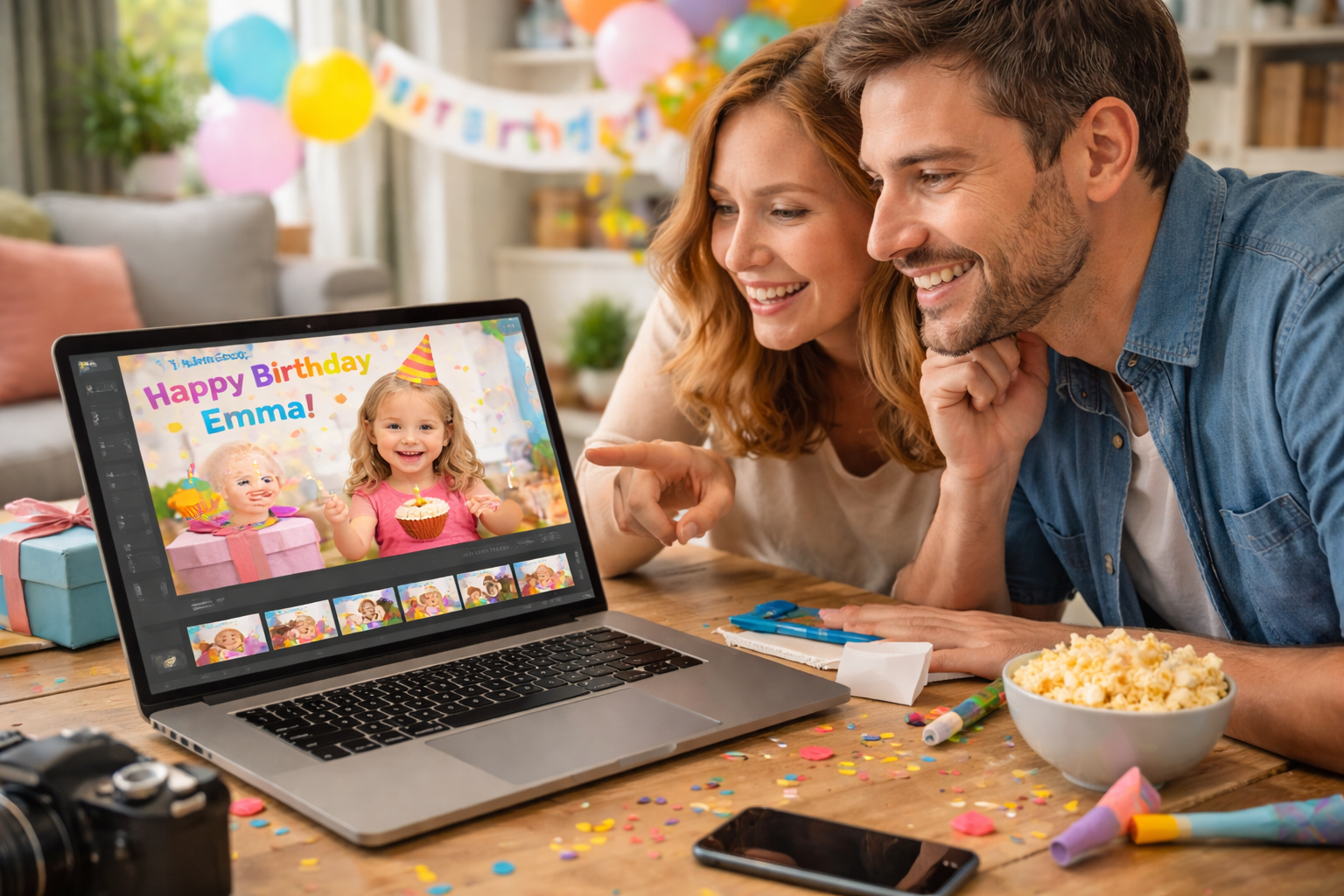
A happy birthday movie is one of the sweetest modern ways to celebrate—because it combines photos, short clips, heartfelt messages, and music into a surprise your child can watch again and again. Instead of a one-time card, a happy birthday movie becomes a keepsake that captures who they are right now: their laugh, their favorite things, and the people who love them. With a guided tool like Personalized birthday movie, you don’t need editing experience to make it feel polished and magical.
If you’re exploring more ways to make celebrations feel personal, the Personalized Birthday Cards & Videos category has ideas that pair perfectly with a movie—cards, invitations, and kid-friendly digital surprises.
Save this guide so you can reuse the same simple process for every birthday in the family.
Why happy birthday movies are becoming so popular for families
Traditional cards are meaningful, but they’re easy to put away and forget. A happy birthday movie is interactive, emotional, and easy to share with grandparents, cousins, and friends who can’t be there in person. Kids also love seeing themselves on screen, which is why video-based greetings often get bigger reactions than paper gifts.
Parents like them because they can be made quickly, even the night before the party. And unlike many birthday videos floating around online, yours will feel truly personal.
Want to explore different video styles before you start? Pick one theme and build your movie around it.

What makes a happy birthday movie truly special?
The difference between a generic slideshow and a memorable happy birthday movie is personalization. The best movies feel like a mini story: a beginning that hooks attention, a middle full of fun moments, and a finish that lands emotionally.
A strong happy birthday video usually includes:
- A clear theme (princesses, dinosaurs, jungle, space, sports)
- Photos and clips that show personality, not just poses
- Short, warm messages from family and friends
- Music that matches the mood and age
- Animated touches that keep kids engaged
How storytelling elevates a birthday movie
Storytelling is what turns random clips into a movie your child actually watches. Use scenes that move forward: “then and now,” “favorite things,” “funny moments,” and “best smiles.” Bright visuals, simple pacing, and playful sounds help children stay focused, especially with shorter attention spans.
That’s why many parents prefer structured birthday videos instead of manually editing from scratch.
Keep it simple: aim for a clear theme and a beginning–middle–end flow, even if the movie is only 60–90 seconds.
Choosing the right birthday video maker
A birthday video maker makes the process faster and less stressful. Instead of learning timelines and complex editing tools, you pick a template, drop in your content, and customize details in minutes.
Essential features parents should look for
When choosing a tool for a happy birthday movie, look for:
- Child-friendly templates that match popular party themes
- Easy photo and video uploads (drag-and-drop works best)
- Options to add short text messages and name/age details
- Music choices with simple volume control
- Animated scenes or characters that feel kid-appropriate
- Export formats that are easy to share via WhatsApp, email, or TV
A good birthday video maker should make you feel guided—not overwhelmed.
If you want a movie that looks professionally made without extra effort, start with a theme-based template.
Step-by-step guide to creating your personalized happy birthday movie
Here’s the simplest workflow to create a happy birthday movie that feels personal and polished.
Step 1 — Gather your child’s best moments
Choose 10–20 photos and 3–6 short video clips. Mix everyday moments with birthday highlights: silly faces, hobbies, family hugs, and favorite places. Short clips (3–5 seconds) keep pacing fun and avoid slow sections.
This is where most great birthday videos begin: with the right raw material.
Step 2 — Choose a theme and template
Pick a theme your child will instantly recognize. For younger kids, bold visuals work well; for older kids, humor and “cool” styles land better.
Popular themes include:
- Dinosaurs and adventure
- Princesses and fairytales
- Superheroes and action
- Animals and jungle scenes
- Space and rockets
- Rainbows and sparkles
Choosing a theme early makes the happy birthday movie feel cohesive.
Step 3 — Add messages, animations, and music
This is where your movie becomes truly personal. Add a short birthday wish, a name, and a few lines from family members. Then choose music that matches the energy—playful for younger kids, upbeat pop for older children.
If you’re building a happy birthday video, try syncing the emotional moments (like a “we love you” message) with a slower section of the song. Animation should support the story, not distract from it.
Step 4 — Preview and finalize your movie
Watch it once for pacing and once for details. Check text spelling, volume levels, and whether transitions feel too fast or too slow. If possible, preview it on the device you’ll use at the party.
To finish with a polished version, many families use Personalized birthday movie to keep the workflow simple while still getting a magical result.
Start your movie today, even if you only have 10 minutes—momentum matters more than perfection.
Creative ideas to personalize your child’s happy birthday movie
A happy birthday movie becomes unforgettable when it includes “only-your-child” details. Think of it like adding little Easter eggs your child will recognize immediately.
Ideas that work well:
- Record a short voiceover from parents or siblings
- Add inside jokes or nicknames as text captions
- Include a “then vs. now” mini scene (baby photo + current photo)
- Add “favorite things” slides: food, toy, character, hobby
- Use cartoon overlays or stickers that match the theme
How to match your movie with your birthday party theme
If your party is themed, reflect that in the movie. Use the same colors, characters, and vibe so the experience feels connected. A dinosaur party with dinosaur scenes in the happy birthday movie feels instantly intentional.
Make the movie part of your party planning—not an afterthought—so everything feels beautifully aligned.
How to share and present a happy birthday movie
You can share your happy birthday movie in different ways depending on your setup. The best option is the one that’s stress-free on the day of the party.
Common ways families present it:
- Play it on a TV screen during cake time
- Use a projector for a “mini cinema” moment
- Share it privately via WhatsApp or email to relatives
- Save it on a tablet for a quiet family watch
- Upload it as an unlisted link for easy access
Make sure you export in a format that works across devices (MP4 is the easiest for most families).
Plan the “movie moment” right before the cake—it’s the perfect emotional peak.
Helpful resources to elevate your birthday experience
If you want the celebration to feel cohesive from start to finish, match your movie with invitations that share the same theme. Start with Free Kids Birthday Invitation Templates: Editable & Printable Designs and align colors, characters, and wording with your video.
When invitations, décor, and the happy birthday movie all match, the party feels more curated and memorable.
Choose one theme and reuse it across invitations and your movie for an effortless “wow” effect.
Why a happy birthday movie creates unforgettable memories
A happy birthday movie isn’t just a video—it’s a time capsule. It captures the child’s personality, their current favorites, and the love surrounding them in a way photos alone can’t. With the right birthday video maker, you can create something that feels magical without spending hours editing.
Create unforgettable birthday moments — start your Personalized birthday movie today.