What Are Animated Invitations (And Why Are They Better)?
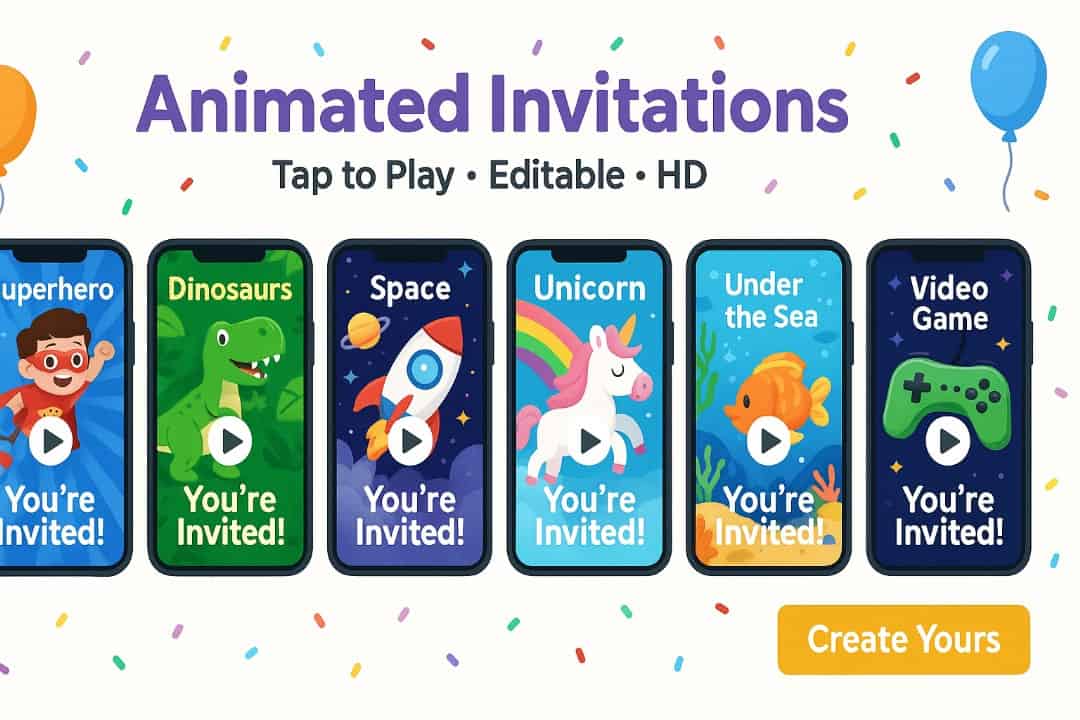
Animated invitations are digital invitations that use motion—think short video invites, looping GIFs, or subtle motion graphics invitations—to deliver the “wow” factor a static card can’t. They can include sound, movement, interactivity, and links, turning a simple announcement into an interactive invitation that guests actually open, watch, and respond to. If you’ve wondered how to create animated invites without a design background, the good news is modern editors make it point-and-click simple.
The Core Difference: Static vs. Dynamic Invites
Static designs communicate facts; dynamic e-invites communicate feeling. With e-invites with animation, you can sync text to music, animate confetti, reveal details on tap, and guide a viewer’s eye. That narrative motion reduces confusion, boosts recall, and makes sharing effortless across social media invitations and messaging apps. Learning how to create animated invites also unlocks reusable templates you can tweak for birthdays, baby showers—even wedding animated invitations.
Key Advantages for Your Next Event Announcement
- Higher engagement: Movement + music = more opens, longer view time, quicker RSVPs.
- Eco- and budget-friendly: No paper, postage, or reprints.
- Unlimited customization: Colors, fonts, pacing, and custom animated invitations tailored to your theme.
- Instant delivery & updates: Changed the venue? Update the file or page; guests see the latest.
Once you know how to create animated invites, you’ll ship polished e-invites in minutes—not days.
The Best Animated Invitation Makers: Free & Paid Platforms
Here’s how to pick the best animated invitation platforms for your needs. We’ll compare free vs paid animated invite tools head-to-head, then touch on studio options for fully bespoke custom animated invitations.
Top Free Tools for Quick & Easy Invites (Canva, Evite)
- Canva: Large template library, drag-and-drop animation, stock audio, GIF/MP4 export. Ideal if you’re learning how to create animated invites for birthdays or class parties.
- Evite: Purpose-built digital invitations with RSVP pages and reminders. Limited design freedom vs. Canva, but fast to send.
Free tools are perfect for beginners and small budgets; they also let you test wedding animated invitations styles before committing to premium.

Premium Platforms for Professional Results (Animoto, Adobe)
- Animoto: Video-first editor with timeline controls, licensed music, and brand kits—great for cinematic motion graphics invitations.
- Adobe Spark/Express: On-brand templates, type animation, layers, and more precise export options. Excellent for polished video invites and social media invitations.
Premium options often top lists of the best animated invitation platforms thanks to advanced timing, fonts, stock libraries, and brand controls—key when scaling beyond one event.
Hiring Creative Studios for Custom Animated Invitations
If you want a unique illustration style, voiceover, or intricate transitions, hire a studio or freelancer. Expect script + storyboard + revisions + delivery files (MP4/GIF/HTML5). This route is ideal for luxe birthdays or wedding animated invitations, where quality must match the milestone and your brand.
Feature Snapshot: Free vs. Paid at a Glance
| Feature | Canva (Free) | Evite (Free) | Animoto (Paid) | Adobe Express (Paid) |
| Template Library | Large | Medium | Medium | Large |
| Customization | High | Medium | High | High |
| Video/GIF Support | Yes | GIF-style | Yes | Yes |
| Music Library | Yes | Limited | Large | Large |
| Brand Kits | Limited | No | Yes | Yes |
| RSVP/Reminders | Via links | Built-in | Via links | Via links |
| Best For | Fast DIY | Quick RSVP pages | Pro video feel | Polished design |
Takeaway: If you’re testing free vs paid animated invite tools, start free for speed, go paid for polish, and outsource for “wow.”
How to Create Your Animated Invitation in 5 Simple Steps
Whether you use Canva, Adobe, or Animoto, the workflow for how to create animated invites is nearly identical. Follow this mini-blueprint to nail the first draft, fast.
Step 1: Choose Your Platform and a Stunning Template
Open your editor, search “birthday animated invite,” and pick a layout with the right orientation (Story, Reel, 16:9). Templates accelerate how to create animated invites by pairing fonts, colors, and motion you can tweak in minutes. Pro tip: if you’re exploring wedding animated invitations, start with elegant serif type + slow reveals.
Step 2: Customize with Your Media, Text, and Music
- Add media: Drop in photos or clips of the guest of honor. Trim to the beat.
- Write tight copy: Who/What/When/Where/RSVP in 20–40 words.
- Animate with intention: Use 1–2 entrance effects; avoid “everything moving.”
- Pick music: Match energy (playful for kids, acoustic for weddings).
- Accessibility: High contrast, readable sizes, captions.
This is the heart of how to create animated invites—balancing motion and clarity so viewers feel delight and get details.
Step 3: Export and Share Your Invitation with Guests
Export MP4 for social and SMS; GIF for email or chat; HTML5 for embeds. File too heavy? Shorten duration or compress. Share via email list, text, or a hosted page with RSVP. Knowing how to create animated invites includes knowing where they live—Instagram, WhatsApp, and a linkable event page cover almost every audience.
Beyond the Invite: Advanced Integration & Event Management
Most guides stop at the export button. Here’s where you go further than the competition by pairing interactive invitations with tracking and an event hub.
Integrating RSVP Tracking and Calendar Syncing
Use platforms (or your site) to host an RSVP form with headcount, dietary needs, plus “Add to Calendar” buttons. This is where free vs paid animated invite tools can differ: paid tiers often automate reminders and guest messaging. For wedding animated invitations, automation is priceless.
Creating an All-in-One Event Hub Webpage
Embed your invite at the top, then add: date/time, map, parking notes, dress code, registry, and FAQs. For discoverability, optimize the page title and meta description, use relevant keywords (e.g., “kids birthday digital invitations”), and compress media. Mastering how to create animated invites is step one; hosting them on a clean hub closes the loop.
FAQ
How much do animated invitations cost?
Free editors = $0 with watermarks or limits; premium plans run roughly the cost of a few printed cards per month; studios vary by scope. Factor time saved when weighing free vs paid animated invite tools.
Can I customize animated invites with my own photos and music?
Yes. All major platforms let you import media, add captions, and sync music. It’s the fastest way to learn how to create animated invites that feel personal.
What are the best tools to create animated invites?
For beginners: Canva/Evite. For polish: Animoto/Adobe Express. Together they’re consistently cited as the best animated invitation platforms for speed and quality.
How do animated invitations improve event engagement?
Motion + sound drive attention, while links streamline RSVP, map opens, and sharing. Once you practice how to create animated invites, you’ll see higher open and response rates.
Are animated invitations suitable for formal events like weddings?
Absolutely. Minimal layouts, slower pacing, and elegant typefaces make wedding animated invitations feel sophisticated. Host on a wedding microsite with RSVP and calendar sync.
Animated e-invites are engaging, customizable, eco-friendly—and quick to make once you know how to create animated invites. Choose a tool from our list of the best animated invitation platforms, decide whether you need free vs paid animated invite tools, and try your first draft today. From birthday parties to wedding animated invitations, learning how to create animated invites turns every announcement into a moment worth sharing.