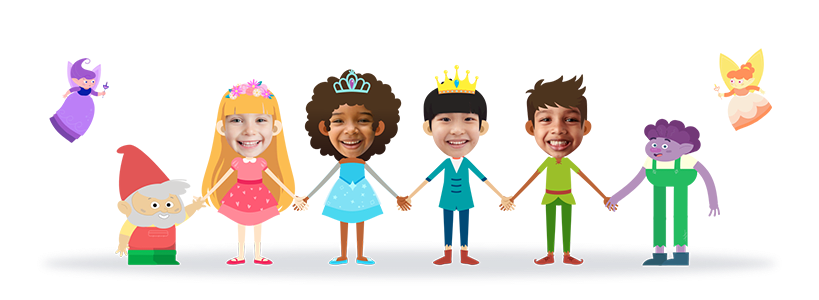
Make Your Child the Star of Their Own Personalized Birthday Movie!
Upload a photo, pick a theme — your child becomes the hero of a magical 2.5-min personalized animated birthday movie. Far more special than any animated birthday ecard or GIF.
✨HOW IT WORKS✨
Make a Personalized Birthday Movie in 3 Simple Steps
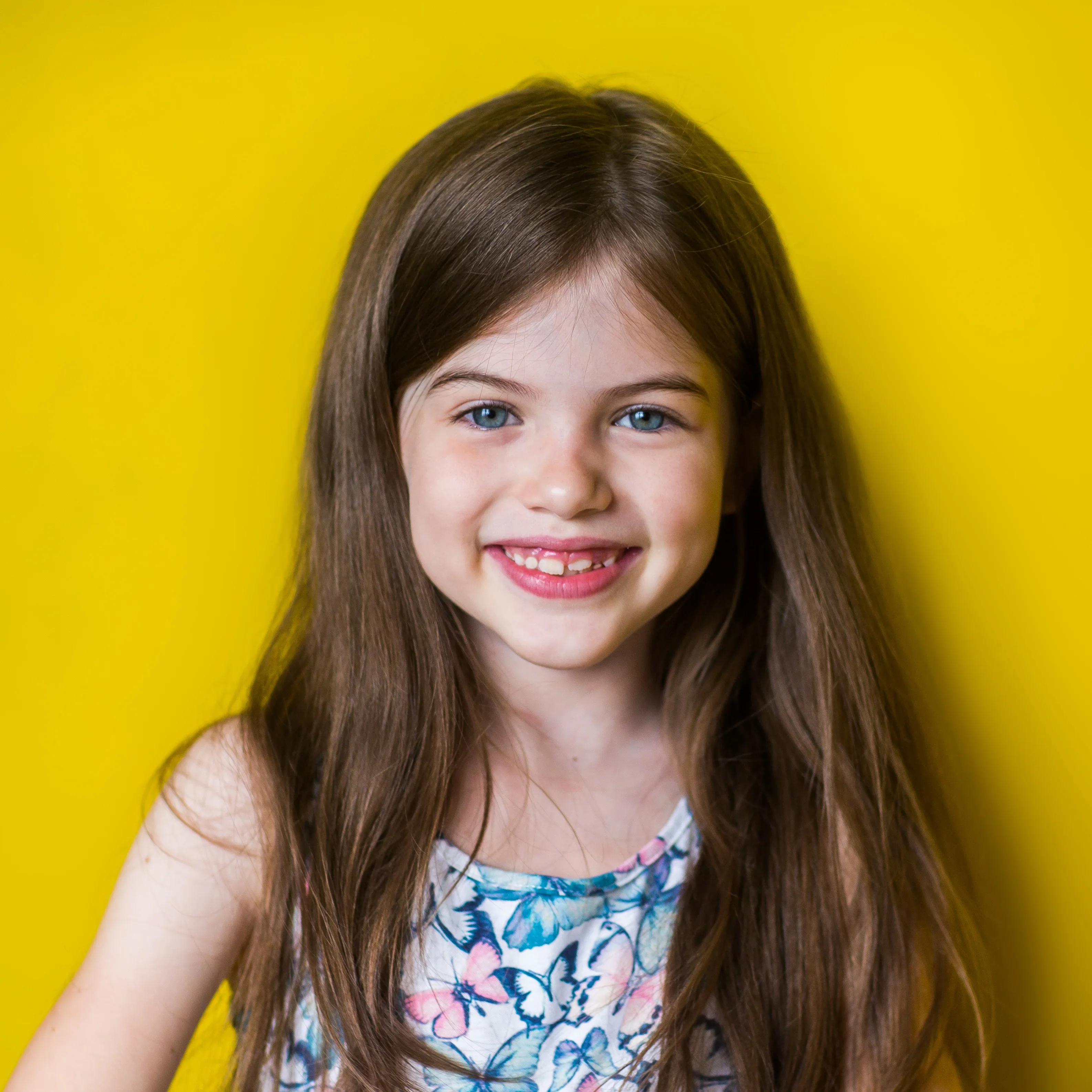
Add Your Child
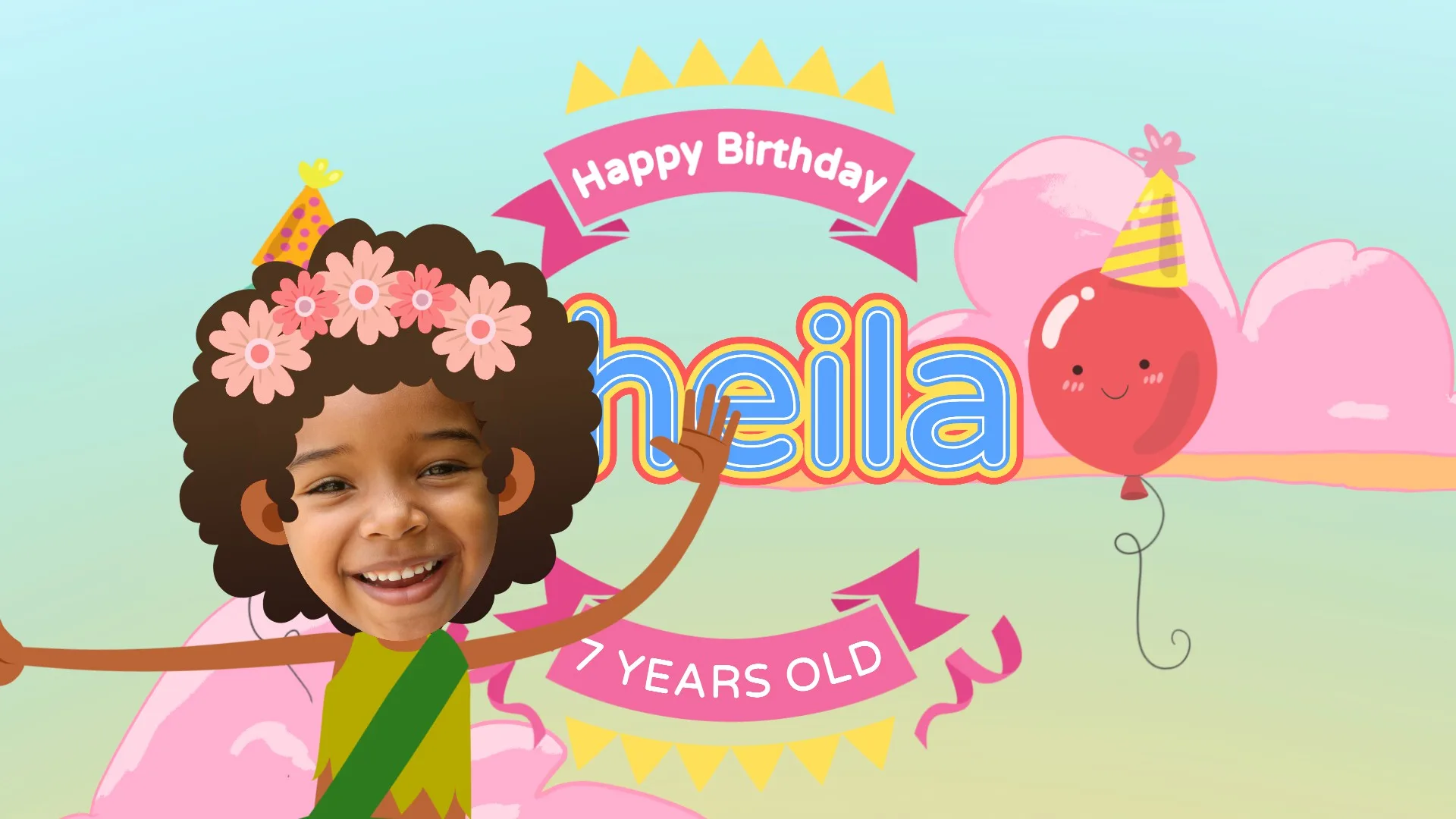
Upload a clear photo and we instantly turn it into an animated cartoon — their face, in the movie!
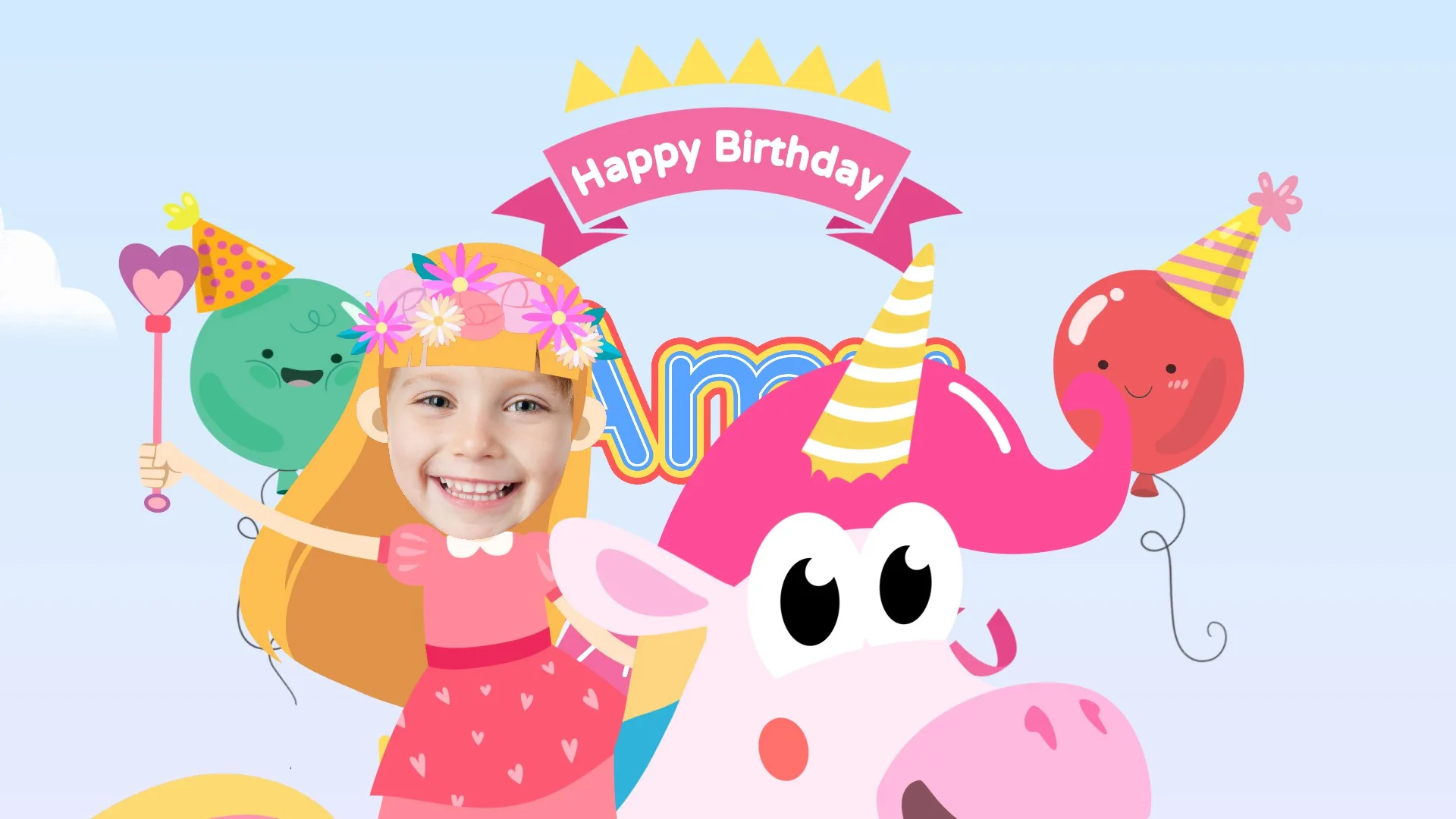
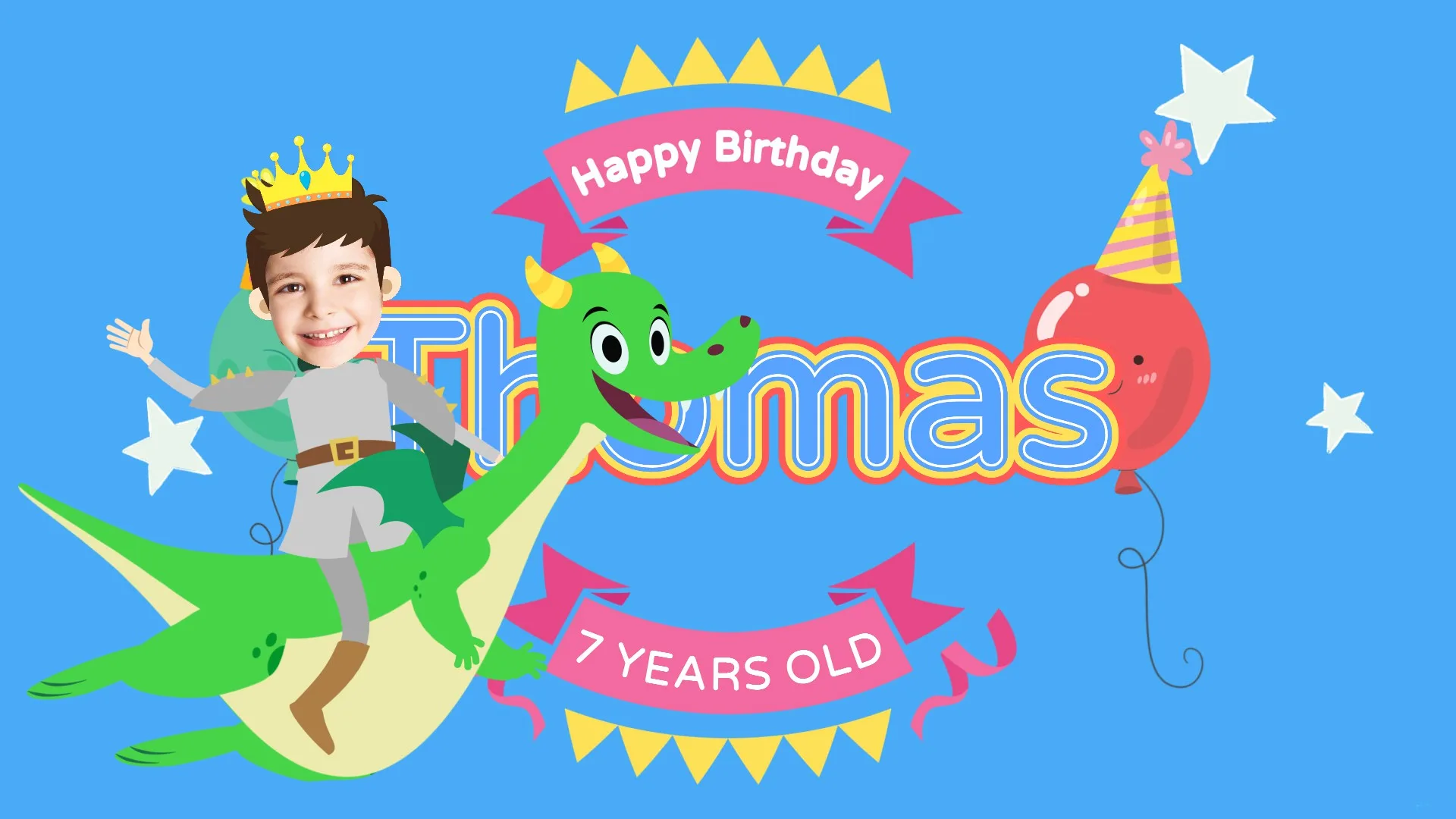
Pick a Theme
Fairytale, Fantasy, or Jungle — each a full 2.5-minute adventure starring your child.
Get Their Video
Ready in minutes — download, share on WhatsApp, or play it at the party!
3 Magical Movie Themes
Each theme is a full story where your child is the hero — with their name, age, and face in every scene!
Fairytale
A magical kingdom awaits!
Your child rides unicorns, meets fairies, mermaids, and trolls on a dazzling adventure through an enchanted land — all in their honor!
Jungle
Wild adventure awaits!
Your little explorer ventures deep into the jungle to meet lions, elephants, tigers, giraffes, and monkeys in a big birthday celebration!
Fantasy
Brave the dragon kingdom!
Your child becomes a brave knight or wizard, facing friendly dragons, gnomes, and jesters in an epic quest that ends with a royal party!


Your Child Appears Right Alongside These Characters — As the Star!
Their face, name, and age are woven into every scene. From friendly fairies to wild jungle animals — the whole cast is there to celebrate them!
🎬 Make Their MovieFree Personalized Party Invitations! 🎉
Use the same app to create a beautiful, custom party invitation — with your child's name, photo, party details, and matching theme. Landscape or portrait, ready to share instantly.


No sign-up required · Ready in minutes · Works on any device
WHY PARENTS LOVE TOON KIDS
More Than a Gift — A Personalized Birthday Movie They'll Never Forget
We help you create joy, laughter, and memories that last a lifetime.
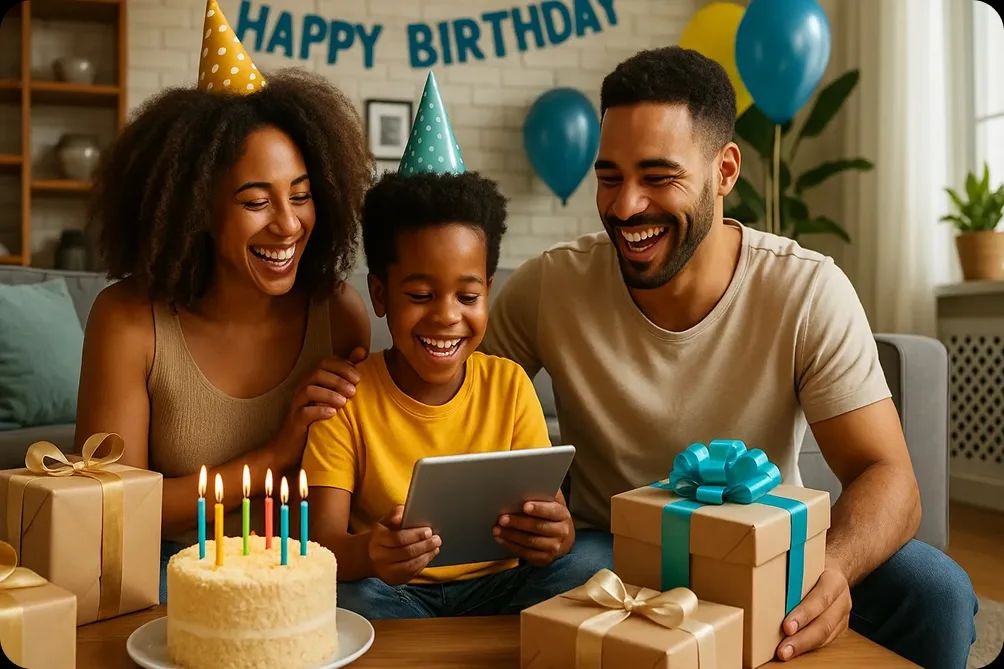
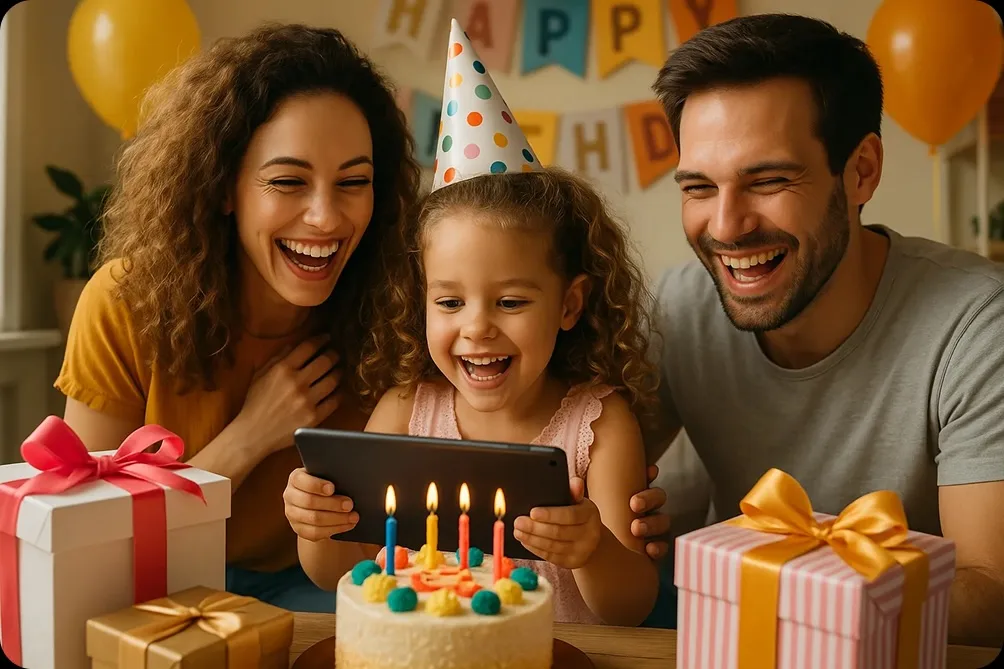
Your Child Is the Star
We map their real face onto a cartoon character. Their name and age appear in the sky at the beginning and end of the movie.
Rich, Personalized Story
A real 2.5-minute animated story where your child has an adventure, makes friends, and ends with a birthday celebration — cake, presents, dancing!
Fully Custom Avatar
Choose hair style and color, skin tone, and outfit for their character. Every kid's avatar is unique!
Share & Download Anywhere
Send via WhatsApp, email, or social media. Or download the video to keep forever. Works on any device.
Safe & Private
We take children's privacy seriously. Photos are used only for the movie and never shared or sold. Ad-free experience.
Ready in Minutes
No waiting, no downloads, no technical skills needed. Fill in the details, and your movie is ready in just a few minutes.
Works for Any Name
We support names from any culture and language. Every child around the world deserves to be the star!
Unforgettable Gift
Way more special than a generic gift card. Parents, grandparents, aunts and uncles — everyone can create a movie!
Free preview · No credit card needed · Ready in minutes
What Parents Say About Toon Kids Personalized Birthday Movies
Don't just take our word for it — here's what families say after their first Toon Kids movie!
“My daughter screamed with joy when she saw herself as a fairy princess! We've watched it at least 20 times. Totally worth every penny. Best birthday gift ever!”

Sarah M.
Mom of Emma, 6
“I sent this to my nephew who lives in another country. His parents said he watched his movie 10 times in a row and showed all his friends at school. He was SO proud!”

Uncle David
Uncle of Lucas, 5
“As a grandparent who's not tech-savvy, I was nervous. But it was SO easy — I did it in 5 minutes! My granddaughter's face when she saw herself in the movie… priceless.”

Patricia L.
Grandma of Mia, 7
“We played the movie at the birthday party on the big TV. All the kids went wild! Best party moment ever. Already planning one for next year.”

James & Ana K.
Parents of Oliver, 4
“I ordered one for my daughter's birthday and then immediately ordered one for my son's birthday next month. This is now our family tradition!”

Rebecca T.
Mom of Sofia, 8 & Noah, 6
“The quality is amazing and my son's face was so perfectly placed in the cartoon. He thought he was actually in a real movie! He keeps asking for more adventures.”

Michael P.
Dad of Ethan, 5
Join 5,000+ happy families · Free preview · Ready in minutes
Start Free, Go Full for $7.99
Try it for free first — no risk, no credit card. Upgrade only if you love it (and you will! 🥰)
💡 Custom illustrated gifts cost $30–$80+. Yours is personalized, animated, and ready in minutes — for less than a pizza.
Free Preview
No credit card needed
- ✓Short personalized preview clip
- ✓See your child in the movie
- ✓No credit card required
- ✓Available instantly — fall in love first! 😄
Full Movie
One-time payment, keep forever
🎂 Birthday coming up? Don’t wait!
- ★Free matching party invitation 🎉
- ★Full 2.5-minute animated movie
- ★Child's name & age in the sky
- ★Their face on the cartoon character
- ★Custom avatar (hair, skin, clothes)
- ★Birthday celebration finale
- ★Download & keep forever
- ★Share via WhatsApp, email & more
- ★HD quality video
Frequently Asked Questions
Everything you need to know about Toon Kids
Free preview · No credit card needed · Ready in minutes
Ready to Make Their Birthday Truly Unforgettable?
In just a few minutes, you can create a personalized animated movie that will make your child feel like the most special person in the world. Start for free — no credit card needed!